See where a link leads
before you open it
A free website link checker from CreditSquare.
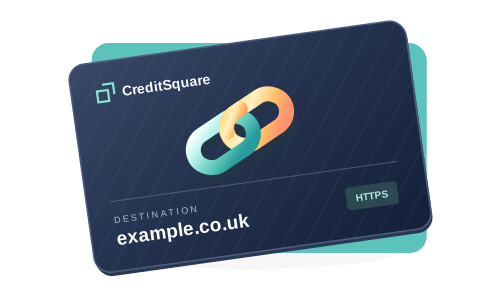
Want to see how it works? Try an example
Business finance tools
Compare loan costs
and cash timing
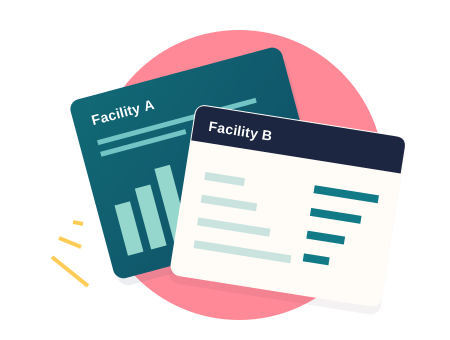
Enter two proposals to compare fees, monthly payments and any final principal repayment. Check the cash available on day one as well as the total repaid.
- Compare monthly payments side by side
- See the cash available on day one
- Explore fixed-rate and interest-only terms
A constant-rate illustration using your inputs, rather than a lender quote or an eligibility check. Confirm the actual payment schedule and charges with the provider.
Using the link checker
From a shared link to its destination
- 1
Enter the address
Paste a complete URL or a domain. A link shared through CreditSquare opens its preview directly.
- 2
Read the destination
Check the hostname, path and protocol. You can also request the public DNS records for the host.
- 3
Make your choice
Select Continue to visit the displayed address, or Cancel to come back here.
Explore CreditSquare
CreditSquare is independently published by Serallo Domains Ltd. About the current site